Design mistakes that undermine a premium brand
A premium brand can be poorly served by a website that initially looks polished. Some mistakes concern the relationship between images, messages and actions more than style itself. This review helps you recognise the problems, test their effect on understanding and choose improvements proportionate to the actual issue.
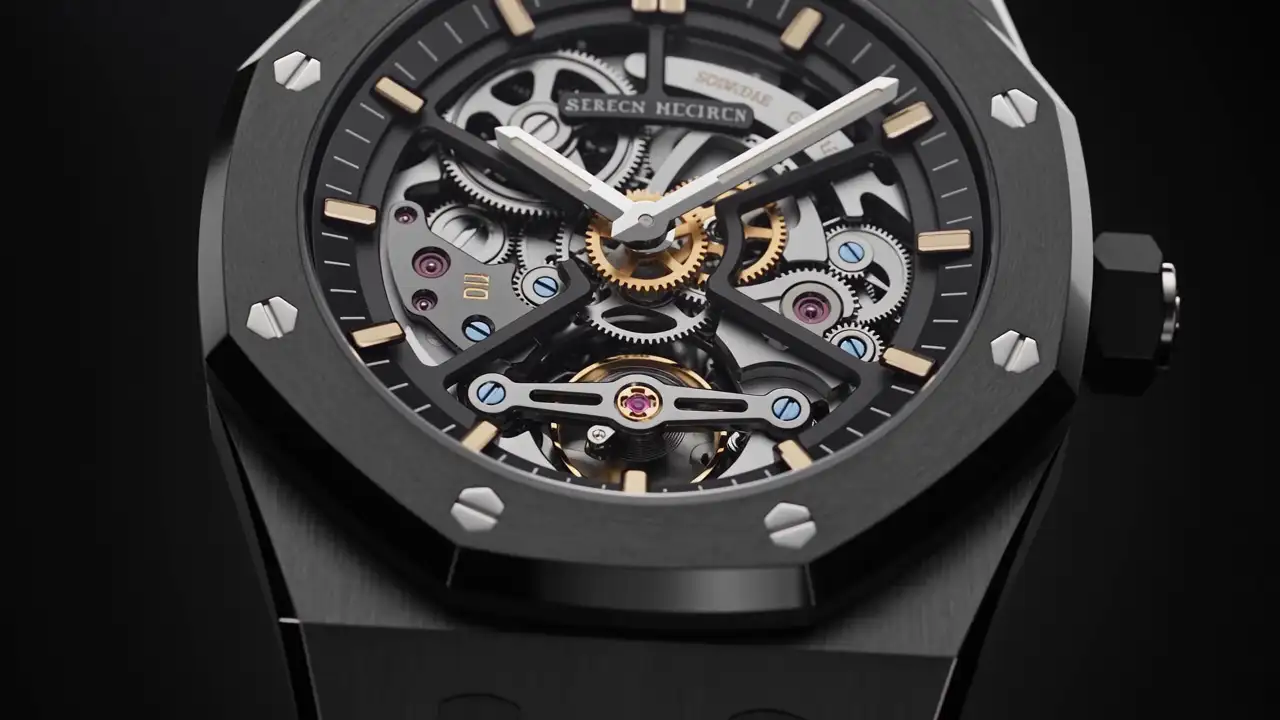
A website can use attractive type and dramatic photography while communicating an imprecise picture of the business. The problem may lie in a repeated detail, missing information or an interaction that interrupts the visit.
The mistakes below do not automatically disqualify a style. They identify situations where design can blur positioning or complicate an enquiry. For each one, establish the actual issue and choose an appropriate correction instead of assuming a complete redesign is necessary.
1. Borrowing prestige imagery unrelated to the business
A car, watch or villa can establish a premium atmosphere. If the images represent neither the offer nor the way the company works, however, they borrow value instead of explaining yours.
The gap appears when visitors must search the text to identify the profession. The visual opening promises a world the following pages do not sustain.
Consider a fictional consultancy using yacht photographs before introducing business-management services. The image may be attractive, but it does not reveal the expertise being sought.
Check: show the opening without commentary and ask what activity it seems to represent. Compare the answer with the actual offer.
Improve: replace generic symbols with material connected to your subject: people, projects, documents or working scenes. Atmospheric imagery can remain when its role is clear and it does not act as a false reference.
2. Giving every element equal importance
When every heading is enormous, every section strongly contrasted and every button brightly coloured, the page loses hierarchy. It can feel active without indicating where to look first.
The mistake is not a vivid colour or a single large title. It is the accumulation of simultaneous priorities.
A service page usually needs a main subject, an explanation, evidence and a continuation. If all demand equal attention at once, visitors have to organise the content themselves.
Check: look at the page briefly and note the three elements you remember. Are they the ones intended to explain the service?
Improve: choose a priority for each section. Reduce competing effects, group related information and give secondary details a distinct but readable treatment. Hierarchy should follow meaning before size.
3. Using inconsistent or misleading images
A coherent photographic report can be weakened by images that are too small, poorly cropped or drawn from a different visual world. The issue becomes more apparent when they are presented as one consistent series.
Image status also matters. An illustration should not imply that it shows a completed company project. A representation of an unbuilt scheme needs to be identified accordingly.
Stock photography and renderings are not automatically inappropriate. Their use should match their function: context, intention or documented work.
Check: review each gallery and ask what every image demonstrates and whether its status is understandable. Then inspect the crop on a phone.
Improve: select fewer images if needed, add useful context and produce the views that are genuinely missing. An identical filter cannot resolve every difference in subject.
4. Confusing restraint with missing information
A very sparse homepage can be convincing. It becomes problematic when its only statement does not explain the offer and the remaining pages add no precision.
“Excellence serving your ambitions” tells visitors neither what you do nor for whom. They can appreciate the composition and remain unable to describe the business.
This often affects bespoke services, where the company fears oversimplification. Explaining a scope, however, still leaves room for individual adaptation.
Check: ask an outsider to restate the service after reading its page. Note any details they invent to fill the gaps.
Improve: add a clear description, the needs addressed and how to begin. A calm layout can be maintained by organising information better rather than removing it.
5. Allowing animation to become an obstacle
An animated opening can enrich the presentation of a product or place. It becomes difficult when it delays content, conceals an action or forces someone to repeat a sequence to retrieve information.
Accumulation can be another cause. A late-appearing heading, a moving image and an animated menu impose several simultaneous rhythms.
Watching a demonstration slowly is not enough to assess the behaviour. Some people will scan quickly or return directly for a particular detail.
Check: try locating a service, opening navigation and returning during transitions. Review the experience with movement reduced as well.
Improve: give retained animations a purpose, shorten unhelpful moments and keep essential information accessible. The visual story should accompany the visit rather than become a compulsory gateway.
6. Designing only the homepage
The homepage sometimes receives considerable attention while service pages, the blog and contact rely on less considered compositions. Visitors may nevertheless arrive directly on any of them.
The break appears in photography, margins, headings and service names. It can suggest that several websites were assembled without a shared direction.
Long-form content should not be forced into the proportions of a visual opening. It needs a coherent application of the same identity.
Check: open an interior page directly, then another. Without visiting the homepage, do you recognise the same company and signposts?
Improve: define layouts for the main functions: service, project, article, team and contact. Share visual rules while respecting how each type of content needs to be read.
A useful review includes the least glamorous pages. A basic confirmation or practical information page should still feel part of the same company, even when it does not need elaborate imagery.
7. Treating mobile as an automatic stack
Blocks can move underneath one another without forming a satisfying journey. A photograph loses its subject, a title occupies several screens or a menu retains empty space after a submenu closes.
Fitting content within the width is not enough. The actions and relationships between elements need examination.
A caption separated from its photograph or a button disconnected from its explanation can become difficult to interpret on a small screen.
Check: complete a phone journey: discover the offer, view a project, open and close navigation, and enter a message. Use final content.
Improve: adapt crops, order, sizes and spacing. Each change should preserve the meaning of the journey rather than merely prevent horizontal overflow.
8. Neglecting moments that require feedback
A form, search or reservation creates an expectation. When the website does not clearly explain what happened, the visual care of the page is no longer enough.
Visitors should distinguish an action in progress, a request received and a problem to correct. Messages must correspond to actual operation.
Avoid improvised promises in confirmation copy. A response time or follow-up arrangement should not be announced without agreement from the team responsible.
Check: perform actions from beginning to end and read each message as a new visitor. Is the next step understandable?
Improve: write precise responses, connect them to actual situations and verify request transmission. Small interface messages form part of the client relationship.
This applies to empty states too. If a search has no result or a filter hides all projects, explain the situation and provide a useful way to continue rather than leaving a blank area.
9. Letting content age without an owner
An old photograph is not a problem when presented as archive material. It becomes one if it claims to represent the current team. The same distinction applies to services, projects and contact details.
A company can evolve faster than its website. Without editorial responsibility, pages accumulate different versions of the offer.
Inconsistencies sometimes appear in small details: service names, operating areas, people’s roles or links to removed pages.
Check: compare the website with how you currently present the business in a meeting. What have you stopped saying aloud that remains published?
Improve: assign an owner and define events that trigger updates: a new offer, team change, contact change or project publication. Coherence requires maintenance.
Include language versions in that responsibility. Updating only one translation leaves different visitors with different descriptions of the same service.
Prioritise without rebuilding everything
Group problems by effect. Correct inaccurate information and blocked actions first. Then address what prevents people from understanding the offer. Purely aesthetic adjustments form a third group.
For each point, describe an observable situation and an expected response. “The menu is bad” is vague. “After opening a service, the menu leaves an empty area that hides the other entries” identifies a concrete issue.
Progressive improvement may be enough when structure and content remain appropriate. Redesign becomes more relevant when several problems arise from the same unsuitable organisation.
Keep a small record of the changes made and the tasks used to review them. This helps distinguish a resolved problem from a preference that continues to shift, and gives the next round of work a clearer starting point.
To examine your website with MV Design, prepare representative pages and the tasks visitors should accomplish. These provide a basis for discussing corrections that clarify the offer and make the experience more coherent while retaining what already works.