Professional photography: what role should it play on your website?
Photography can introduce an atmosphere, reveal a detail or make a team identifiable. First, each image needs a purpose within its page. This guide helps you select useful views, prepare a coherent production and connect visual quality with the information future clients need when discovering your business online.
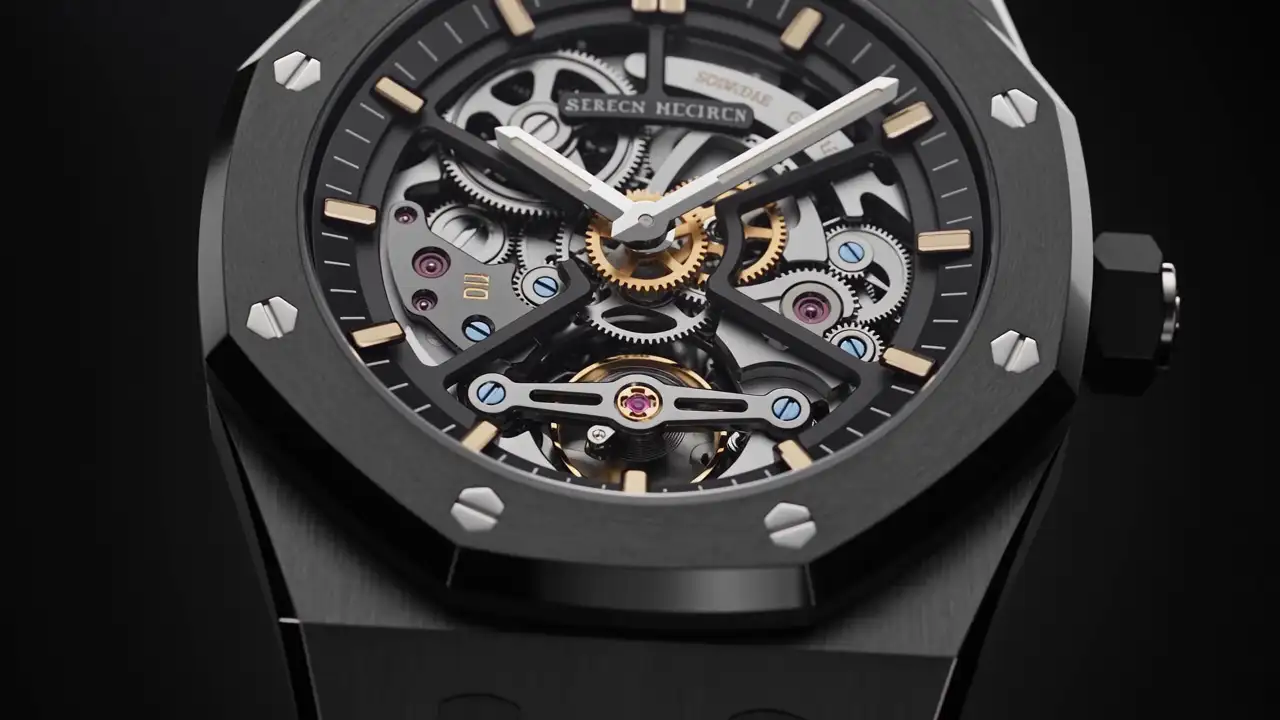
A photograph can encourage someone to explore your business before reading the first paragraph. It can also occupy a large area while explaining very little. The question is therefore not simply whether to commission attractive images, but what those images should help people understand.
For a premium website, professional photography is editorial material. It reveals a place, a project, a working method or the people welcoming clients. Define its role with the content and visitor journey, rather than after approving a mock-up that needs filling.
Give every photograph a purpose
Before discussing style, connect each image to a visitor question. An overall view can answer what a place looks like. A close-up explains a material. A portrait identifies a contact. A working scene clarifies a stage.
These functions are not interchangeable. An impressive hotel exterior does not describe the atmosphere of a bedroom. A director’s portrait does not show the team’s process. A large gallery can still leave these questions unanswered.
Make a short list of the roles needed on your main pages. Then identify available photographs and genuine gaps.
As a fictional example, a villa builder might need an overall view to introduce a project, a finish detail to explain its standards and a coordination photograph to show support. Publishing three similar façade views would not fulfil all three purposes.
Choose a representative opening image
The opening image often carries an important part of the first presentation. Select it for its ability to express the subject, rather than merely for spectacle.
Temporarily hide the headline and consider what visitors understand. Do they recognise the activity or only a general atmosphere? Then assess the words and photograph together: do they complement one another or describe different things?
A busy image can be difficult to combine with navigation and a title. A quieter one may leave more room for the message. Framing should therefore respond to composition as well as the subject.
Do not assume one crop will suit every situation. Prepare desktop and phone presentations that preserve the essential subject. If the mobile crop removes what makes the image meaningful, select another view.
The homepage should not absorb the entire production effort. Photographs explaining services and completed projects deserve the same preparation.
Explain a project through an organised series
A useful gallery offers more than a sequence of appealing views. It establishes context, shows distinguishing features and explains your contribution.
Begin with an image that provides a reference point. Add the views needed to discover spaces, details or uses. Their order should be understandable even to someone unfamiliar with the project.
For an architect, a circulation view may explain the relationship between rooms. For a craft business, a close-up may show a joint. For a restaurant, a table scene can complement a dish photograph.
Use captions where they add context. A material, constraint or design decision may deserve a few words. The image then becomes explained evidence rather than decoration left entirely to interpretation.
State your role in collaborative projects. An attractive photograph should not imply the company delivered work belonging to another contributor. Accurate responsibility is part of editorial care.
Present people in a credible setting
Portraits make contacts identifiable. They can also communicate an approach to hospitality and a relationship with work.
Choose direction suited to the people and their responsibilities. A portrait against a simple background may suit an institutional presentation. A photograph in the working environment can provide greater context.
The aim is not to make the team perform an artificial scene. Actual gestures and understandable situations can be more useful than a meeting staged only to show people around a screen.
Prepare consistent conditions: light, crop, distance and treatment. This continuity helps present several colleagues without looking as though portraits were gathered at random.
Connect each person with a clear responsibility. Photography makes a face recognisable; the text explains their role in the client relationship. The image should not have to replace that information.
Prepare the shoot around the pages
A shot list should follow website needs. Before production, gather the intended pages, their objectives and the uses of their photographs.
| Page | Possible images | What they should show |
|---|---|---|
| Home | A representative view | The business subject and atmosphere |
| Service | Scene, detail or situation of use | What the service involves |
| Project | An ordered series | Context, distinctive qualities and contribution |
| Agency | Portraits and environment | People, roles and working approach |
| Article | A subject-related image | A specific idea from the content |
| Contact | Portrait or place when relevant | The contact or welcome arrangements |
Share composition needs as well: intended text area, wide or vertical formats, essential details and room for alternative crops. The photographer can account for them while retaining freedom to find appropriate images.
Prepare locations and objects. Check what should appear, what should be removed and what cannot be published. Confidential documents within a scene can make an otherwise successful photograph unusable.
Appoint someone able to confirm choices on site. They should understand the business and the website objectives. This helps identify an incorrect gesture, missing object or view that does not represent the service accurately.
Build coherence without making every subject identical
Photographic coherence can come from light, framing, materials or the treatment of people. It does not require giving all images the same colour.
Systematically dark treatment can obscure details. A cold adjustment can alter the atmosphere of a warm place. Examine the information an image needs to convey before applying a brand effect.
View the photographs together on a board. Differences that are easy to miss individually become apparent: brightness, people, close framing and distant compositions.
Retain variation where subjects justify it. A process article and a project page do not necessarily need the same kind of image. Shared principles can maintain continuity without identical treatment.
Keep originals and versions prepared for different uses. An image made for a thumbnail does not replace the file needed for a large presentation. Media organisation influences the quality of future publishing.
Record brief descriptions alongside filenames. A team member searching for a “stone finish detail” can then find the appropriate photograph without relying on personal memory of the shoot.
Be transparent about illustrative images
Not every business immediately has a complete photographic report. Illustrative images can help introduce an idea or an atmosphere.
Keep their status clear where they could be mistaken for your work. A villa photographed elsewhere does not become a company project because it matches the website’s art direction.
The same applies to renderings and generated images. They can explain an intention, but must not be presented as photographs of completed work when that is not what they are.
Before publication, verify that intended uses are authorised for each asset and for represented people. Keep that information with the files so that the team understands what can be reused.
An honest selection of limited material is preferable to an extensive gallery with ambiguous origins. You can extend the collection as completed work is documented.
Preserve the experience after integration
The outcome depends on more than delivered files. Placement, displayed dimensions and crops across pages also affect the result.
Review a complete page on desktop and phone. Is the subject retained? Does nearby text remain distinct? Is a secondary image taking disproportionate space?
Request a loading review under ordinary conditions. Sending the largest production files to every visitor is not a requirement for visual quality. Published versions need preparation for their actual use.
Do not replace essential information with text embedded inside photographs. Keep explanations editable in the page so that they can be corrected or translated.
Check gallery order after integration as well. A management tool may sort files by name while the narrative requires another progression. The editorial selection should remain visible in the published version.
Review more than one project. A layout can work well with a particular panoramic series and less well with portrait images. The photographic rules should be flexible enough for the real variety of your work.
Plan complementary uses without dispersing the production
Website photographs may also support a commercial presentation, an article or a social publication. Identify these needs before the shoot so that a few useful variants can be prepared, rather than discovering afterwards that no crop fits.
These uses should not displace the report’s priority. A series explaining a project needs coherence and progression; a social cover may require a more self-contained composition. A supplementary view can be planned without replacing the images the website needs.
Connect each selected file with possible uses in a simple inventory. Record the subject, project, required credits and the context that should accompany it. Adapted versions then remain linked to an identifiable source.
This helps the people responsible for publishing. They can work across different materials while maintaining the same representation of the business, rather than choosing a photograph merely because it fills the available shape. It also makes subsequent requests more precise: the missing item becomes a particular view or variation, not an undefined demand for more photographs.
Begin with photographs that are genuinely missing
To decide where to invest next, examine what the website cannot currently show. An anonymous team calls for portraits; an unclear process calls for working views; a poorly explained project calls for a better-organised series.
You do not necessarily need to replace every photograph. A careful inventory can show that some existing images are sufficient, while a few specific new views would improve the presentation.
Prioritise by page purpose. If a service remains difficult to understand, another decorative homepage image may not be the most useful addition. Connect the production request to the question the future photograph will answer.
To prepare your website with MV Design, gather current media and the pages you want to develop. These provide a basis for defining image roles and production needs that represent your business more accurately.