How can video help communicate the value of your brand?
Video does not support a brand simply by looking spectacular. It needs to show something a still image explains less effectively and occupy a useful place in the journey. This guide helps define its purpose, choose a narrative and prepare integration without making viewing an obstacle to discovering your offer.
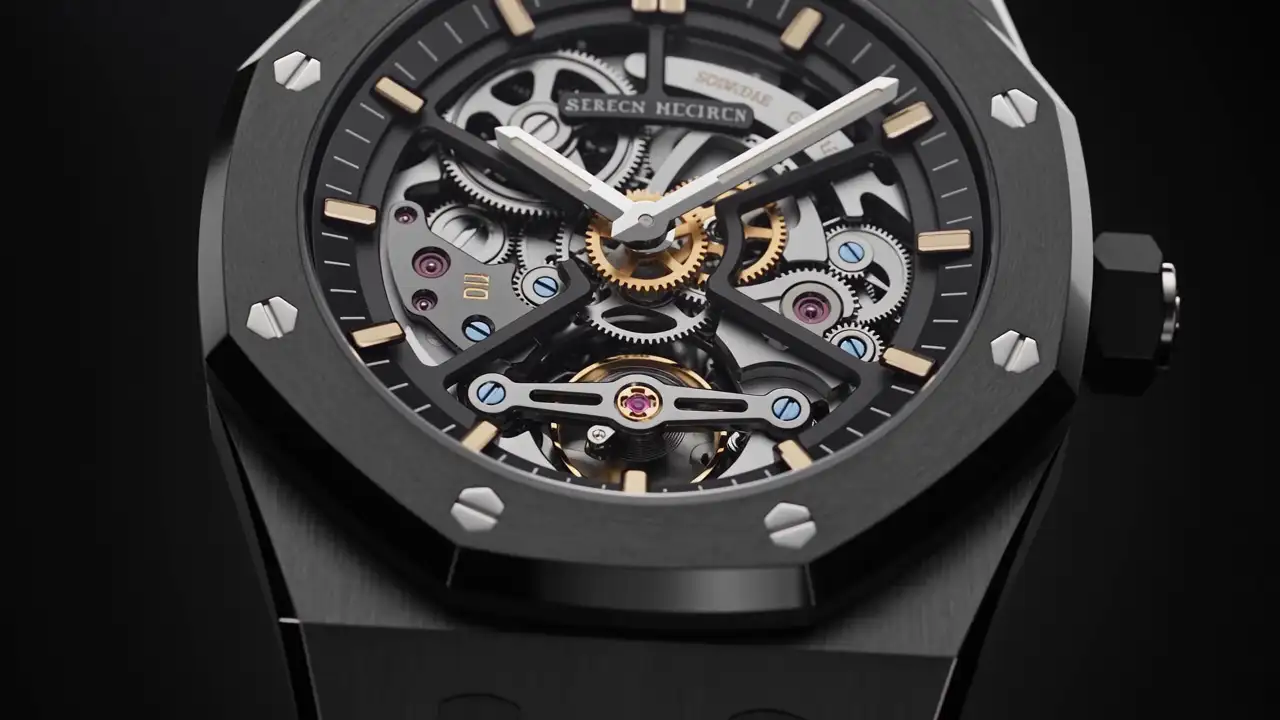
You want to show a place, reveal a material or make expertise tangible. Video can help, provided its purpose is clear. An attractive film without a defined objective can become decoration that takes effort to produce and is difficult to integrate.
To communicate brand value, begin with a content question: what does movement help someone understand? You can then select the story, playback approach and location within the website. Technology supports this decision rather than replacing it.
Choose an objective you can express simply
Video can introduce atmosphere, explain making, show transformation or allow a person to speak. These objectives require different material.
Write one sentence describing what viewers should remember. “Understand how our team supports a renovation from a distance” provides direction. “Show that we are premium” remains too general to select scenes.
Connect the objective to a page and stage of the journey. An opening film can awaken curiosity; a service video should clarify an offer; a project film can explain a particular response.
Avoid making one video fulfil every function. A sequence attempting history, people, products and contact can lose its progression. Several separate films are not always needed, but a primary objective is useful.
Establish what movement contributes
Video is relevant where duration, gestures or a changing viewpoint form part of the subject. It can reveal assembly, passage between spaces or successive stages.
A still photograph may be enough for examining a static material. A diagram may better explain an abstract relationship. Text can answer a practical question more directly.
As a fictional example, a restaurant wants to present its identity. A plating sequence shows gestures and service rhythm; a room view conveys atmosphere; opening hours and reservation arrangements remain on the page. Each type of content has a suitable role.
Ask what would disappear if the film were replaced by an image. If the answer concerns only visual effect, consider whether that effect justifies the space and production effort.
Choose how video appears on the page
Video does not always need to begin immediately. Playback should fit the relationship you intend to offer.
| Presentation | Possible use | What to prepare |
|---|---|---|
| Visitor-started film | Presentation, interview or guided visit | A clear invitation and understandable length |
| Short atmospheric loop | Introduce a place or material | A message that works without prolonged viewing |
| Scroll sequence | Reveal progression or transformation | Access to information outside the narrative |
| Project film | Explain specific work | Context and the company’s contribution |
| Several excerpts | Illustrate different parts of an offer | Coherence without repetition |
This choice affects storytelling. A deliberately started film can develop a fuller account. An opening loop must work for people who encounter it at different moments.
A scroll sequence also needs consideration of reverse movement. Visitors should be able to examine a stage without being forced to restart the entire experience.
Prepare a narrative before filming
The story can be straightforward: situation, gesture, transformation and result. Scene count follows the subject rather than a formula.
Prepare a document connecting each scene with information. Describe what appears, what it should explain and how it relates to the next scene.
For a craft business, progression might move from material to tool selection, action and finish. For a hotel, it might follow arrival and the discovery of selected spaces without attempting an entire stay.
Remove scenes that repeat the same message. A second spectacular view does not necessarily add understanding. It can serve rhythm if that purpose is deliberate, but should not replace a missing explanatory scene.
Plan the ending. Viewers should understand what they can do next: inspect a project, read a service or begin a conversation. The final frame should not leave the page without continuation.
Match the footage to actual activity
The film needs to represent what the business can genuinely show. Identify available locations, people, products and stages before writing an ambitious sequence.
A scene arranged for filming may be legitimate, but should not imply a service that does not exist. A gesture presented as professional should reflect actual practice.
Generated imagery, renderings and reconstructions can explain an intention. Their status needs to be clear where viewers could confuse them with documented work.
For collaborative projects, identify your contribution. The film may show more than your intervention; the surrounding copy should explain what you delivered.
Do not add unsupported figures, testimonials or recognition to give the edit more weight. A precise account of the work already provides editorial substance.
Treat sound as a visitor choice
Browsers can block automatic playback, particularly for audible media. Do not rely on guaranteed automatic sound to convey the message. MDN autoplay guidance.
A voice can explain a process or introduce a person. Ambient sound can contribute to a visit. Its value depends on viewing context, however: someone may be in a place where listening is unwelcome.
If speech matters, prepare a way to recover its content without relying entirely on hearing. Avoid placing indispensable information exclusively in music or commentary.
Accessible media requires alternatives suited to its content, including captions, transcripts and description where needed. W3C accessible media guidance.
Sound should not compensate for an incomprehensible visual narrative. Review the edit without audio and then with it. These two passes help identify what each layer contributes.
Prepare crops for the website and other uses
A film made for the website does not automatically fit every publication. Anticipate formats and the areas where titles, buttons or captions appear.
Allow room around the subject when several crops are expected. A hand, face or object near an edge may disappear from the phone version.
Adaptation does not always mean cropping the entire film. Some scenes may require a different shot or edit. Identify those needs before production rather than at delivery.
Keep useful cover images. They should represent the film before it starts and make its subject understandable.
If footage also serves social channels or a commercial presentation, define those variants separately. A short, self-contained piece may work elsewhere without replacing the website’s more explanatory version.
Consider editable titles as part of this preparation. Future translations and service changes should not require rebuilding footage that remains accurate.
Integrate film without erasing the page
Video needs a place among headings, copy, photographs and actions. It does not replace practical information or the description of an offer.
Present context before or around the player: subject, relevant project and reason to watch. People should know what they will discover before committing to viewing.
Keep the page useful when media is not yet available. A representative image and essential explanation preserve an understandable entry point.
Review behaviour on several screens and during quick navigation. Should the film continue when no longer visible? Does another sequence start in competition? These choices belong in the project discussion.
Request files prepared for their real uses. Quality does not mean sending the largest source file everywhere. Editing, presentation dimensions and variants should be considered together.
Check the page after a complete viewing as well as on arrival. A large empty area or an unclear final state can interrupt the continuation even when playback itself works.
Evaluate more than appearance
An initial review can assess light, framing and rhythm. A separate review should consider what the content explains.
Show the film to someone unfamiliar with the project. Ask what they understood about the place, product or method. Record remaining questions before adding another scene or sentence.
Then examine its role on the page. Is the offer understandable without complete viewing? Does watching add a new detail? Does the proposed continuation match the subject?
After publication, prospect conversations may provide clues. People might mention a scene or ask a question revealing what remains unclear. Use observations cautiously rather than treating one reaction as a general verdict.
Keep the original objective available during revisions. A suggestion can improve spectacle while weakening the intended explanation. The team needs a shared reference for deciding which changes actually serve the film.
Prepare a production brief that can be reviewed
Before commissioning, bring together the objective, intended page, available subjects, required versions and editorial responsibilities. Distinguish filming, editing and web integration. These activities can be coordinated without automatically forming one service.
State what should be demonstrated during approval. A finished film on a large screen does not establish how it works inside the website. An early integration of a working edit reveals the relationship between images, headings and available space.
Identify information the business must supply or confirm: product names, people’s roles and descriptions of the process. This separates content decisions from visual choices.
The brief can leave room for creative proposals. It still provides a reference for distinguishing an improvement to the story from a change to its original objective. That distinction makes feedback more useful to everyone contributing to the project.
Choose a useful first video
Begin with a subject that genuinely benefits from movement and has available content. A precise gesture or well-documented project may be more relevant than a broad institutional film.
To prepare integration with MV Design, gather the message, existing media and the page that will host the sequence. These provide a basis for discussing its place in the journey and the format most coherent with your brand experience.