Architect websites: how do you showcase your projects and design identity?
An architecture portfolio should make your thinking as clear as your finished buildings. Discover how to select projects, sequence photography and explain design decisions so prospective clients can understand your approach, your responsibilities and what working with your practice would involve before making their first enquiry.
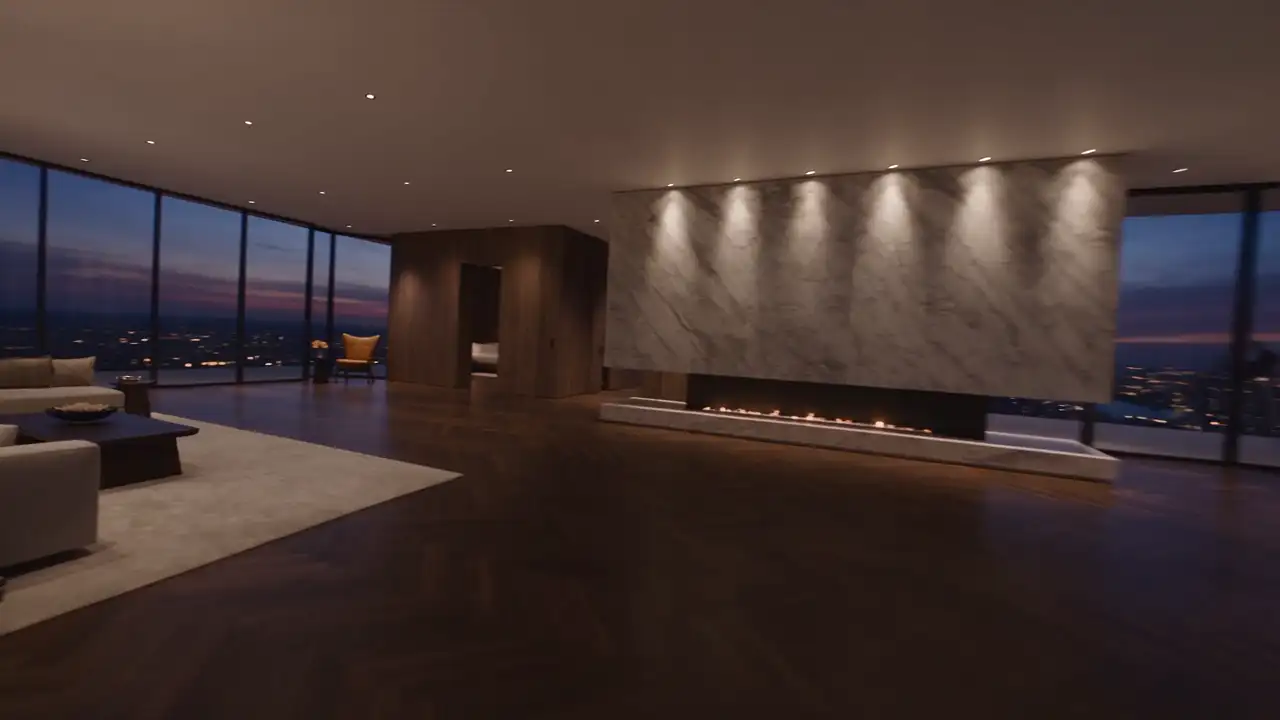
A striking photograph makes someone want to look at a building. It does not necessarily make them want to appoint its architect. A prospective client also wants to understand how you work, which challenges you can address and what kind of working relationship you offer.
A convincing architect website connects selected projects, an understandable design approach and an accessible next step. Your identity emerges through the decisions you explain, rather than a collection of impressive adjectives. Organising these elements before choosing animations or page counts helps the website serve both your work and the people considering it.
Select projects for the commissions you want to attract
Start with the direction your practice wants to develop. Designing an individual home, transforming a hotel and adapting a historic building involve different questions. Your portfolio can cover several areas, but its hierarchy should make those areas easy to recognise.
For each potential project, record your actual responsibilities, the documentation available and the particular capability it demonstrates. A less spectacular building may be valuable evidence of your ability to reorganise a difficult plan, work sensitively with existing materials or accommodate demanding patterns of use.
Selecting only the most dramatic photography can create an image that is hard to connect with your everyday work. A balanced selection demonstrates care at several scales: site, arrangement, light and construction detail. Remove projects that repeat the same point without adding a useful perspective.
Chronology is not necessarily the best organising principle. Categories such as “Living”, “Transforming” or “Welcoming” can express your outlook, provided visitors still understand the actual types of commission. Ask someone outside architecture where they would look for a project like theirs. If the answer requires your explanation, revise the labels.
Give each project a question to answer
A project page becomes more engaging when it addresses a clear issue. How could a house open to its landscape while retaining privacy? How could an existing property accommodate several generations? Why did a series of courtyards make more sense than one large open space?
That question helps you choose photographs and avoids commentary that merely decorates them. It also gives prospective clients something they may recognise from their own situation. The building becomes a considered response to a brief, rather than an attractive object removed from its context.
A concise narrative can follow four points: the starting situation, the request, the main decisions and their visible consequences. Describe what the reader can actually observe. “The living room connects both gardens and preserves a view through the house” communicates more than an unsupported claim about perfect harmony.
Consider a fictional villa on a steep plot. Its project page could explain the arrival route, the arrangement of levels and the relationship with the terrace. A single general photograph may not reveal that logic. A legible plan and three related views can explain the architectural response more effectively.
Sequence photographs to build spatial understanding
The order of images should support discovery: locate the building, enter it, understand its spaces and then notice its materials. You do not have to recreate a literal tour, but you should provide enough reference points for the photographs to feel connected.
An opening view might establish the relationship with the site. An intermediate view can clarify connections between rooms. A closer image can reveal attention to a junction between wall and joinery. When two photographs communicate exactly the same information, choose the more useful one.
Prepare a photographic brief around the evidence the website needs. Include views that work on phones: a very wide facade may become incomprehensible after a vertical crop. Keep original files and choose crops within the design layouts rather than applying one automatic treatment to the whole portfolio.
Captions should add information instead of restating what is obvious. Identify the setting where appropriate, the project stage and the type of document. Clearly distinguish completed photography from a design visualisation. Readers should not have to guess whether the space they admire exists or represents an intention still under development.
Describe your role and credit the wider team
Architectural projects often involve several contributors. State your practice’s responsibilities and present useful credits consistently. A compact project record can identify the programme, year, status, scope and relevant collaborators when this information is available and appropriate to publish.
Do not let the presentation imply responsibility for the entire development if your appointment covered only part of it. Specificity helps prospective clients understand your expertise. It also distinguishes architectural design, interior work, project support and individual studies according to the services you actually offer.
Numbers should clarify the project. Floor area may establish scale, while a year gives a design its context. A confidential budget should not be replaced by an estimate presented as a fact. Likewise, avoid numerical environmental claims unless suitable evidence supports them.
Build a review step into publication. Decide who confirms project descriptions, credits and approved photography before a page goes live. This is part of editorial quality, alongside spelling and image selection, and prevents avoidable inconsistencies from travelling with a widely shared project link.
Reveal your identity through recurring decisions
Your architectural identity is more than a colour palette or a particular facade treatment. It may lie in how you handle light, understand use, approach existing structures or work with a landscape. The website should let visitors recognise that continuity across different projects.
Select a small number of principles you can demonstrate. Pair each with a precise statement and a project that makes it tangible. If you emphasise transitions between inside and outside, show a section, threshold or route that illustrates your thinking. Values broad enough to describe any practice will contribute little.
The website’s visual direction should support this material. Readable typography, consistent spacing and restrained captions can leave room for the architecture. An elaborate interface is not automatically appropriate when the projects already contain rich visual information and demanding spatial relationships.
Motion can be useful for a specific explanation: a changing plan, the relationship between volumes or the transformation of an existing building. Keep essential photographs and information directly accessible. Animation then becomes a way of understanding the work, rather than a compulsory introduction every visitor must sit through.
Explain how a working relationship begins
After appreciating your projects, a prospective client wants to know what happens when they contact you. Devote a page or a clear section to your working process, describing the steps your practice genuinely follows. Explain what information helps the first discussion and what that conversation can clarify.
Introduce the team with understandable responsibilities. Visitors do not need a complicated organisational chart, but they should understand who leads design and how communication works. Genuine portraits and a photograph of studio work can complement the portfolio without turning the page into corporate promotion.
An initial form might ask about project type, location, current stage and contact details. Leave large files or sensitive information for a suitable later exchange. Asking for a complete project dossier before explaining its purpose can make the first step feel unnecessarily demanding.
Match the invitation to its setting. At the end of a renovation project, “Discuss the transformation of your property” connects naturally with the material just viewed. A broader invitation can work on the practice page. The aim is to make contact feel relevant, without repeating the same button after every photograph.
Design a portfolio that works on phones and remains maintainable
Review a complete project on a real phone. Is the project name readable? Can visitors understand captions without enlarging the page? Can they explore another project and return to their original selection? A portfolio needs to support short visits as well as considered browsing on a large display.
Ask for image delivery suited to the size of the screen. A photograph prepared for a large monitor does not need to reach every visitor as the heaviest available file. Google’s image guidance addresses visual quality, responsive images and loading performance together.
Prepare useful alternative descriptions for informative images. The W3C images tutorial distinguishes images that communicate information from purely decorative ones. Writing these descriptions alongside captions can make the process manageable without turning every field into a string of search keywords.
For ongoing administration, establish a project template that lets your team publish without redesigning the website each time. Allow flexibility in image numbers and explanatory sections. A sound template makes maintenance easier while giving each building enough room to be presented on its own terms.
Start by making one exemplary project page
Before rebuilding the entire portfolio, prepare one complete page around a representative project. Gather the images, factual record, narrative and contact invitation. Ask someone who might commission your practice whether they understand your role, your decisions and the next step being offered.
Use their questions to refine the model before applying it more widely. A strong portfolio does not attempt to show everything. It makes your approach clear enough to start an informed conversation about a future commission.
If you are planning a website for your practice, speak with MV Design about selecting and presenting your projects. Together, we can explore a digital presence that makes your thinking as visible as your finished work.