How do you create an immersive portfolio for an architecture practice?
An immersive portfolio can reveal relationships between spaces and make architectural thinking easier to understand. Success depends on choosing a clear narrative, preparing suitable media and preserving direct navigation. This guide takes you from the first storyboard to practical phone testing, with room for visitors who prefer a calmer experience.
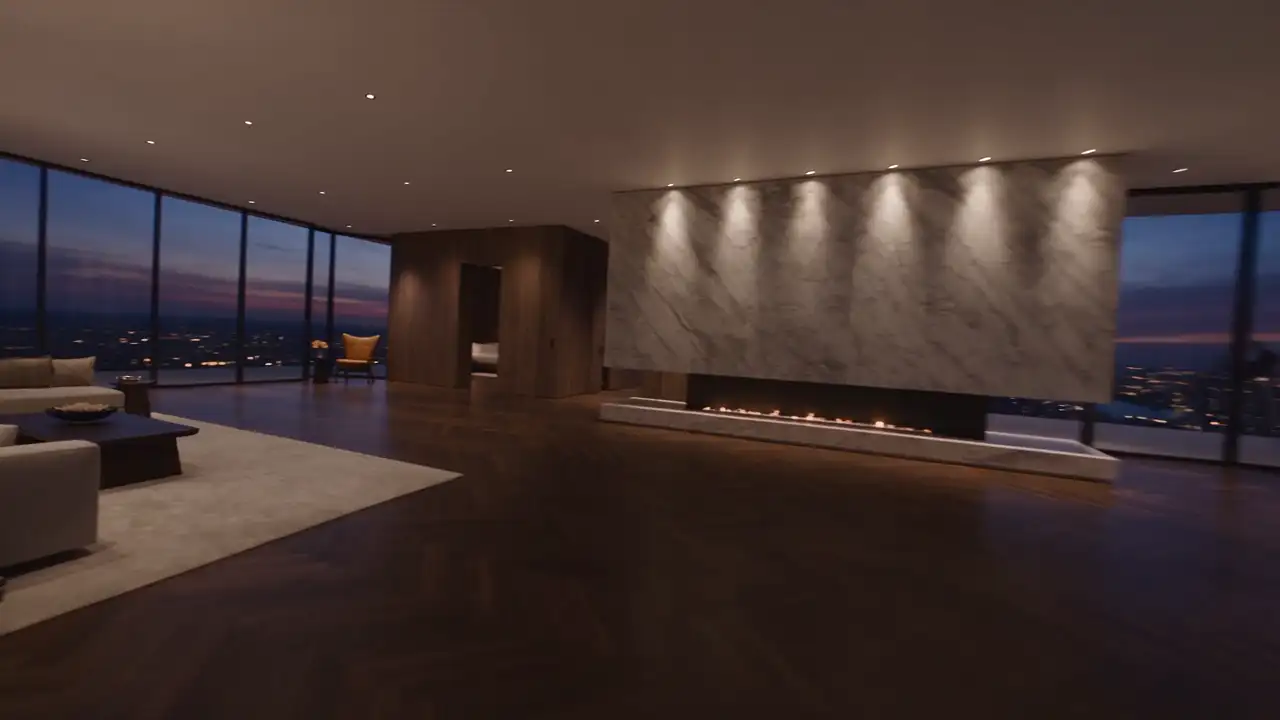
An immersive portfolio should help someone understand a space, a transformation or a design intention. Adding movement to a gallery is not enough. If visitors admire the effect but cannot explain what your practice designed, the presentation has lost its purpose.
A useful approach starts with a project that benefits from visual explanation, builds a concise journey and preserves direct access to information. Immersion becomes a way of discovering your architecture without preventing prospective clients from comparing projects or contacting you. The following method helps define that experience before committing to media production.
Decide what movement should make clearer
Ask one straightforward question: what will visitors understand better through this sequence than through a photograph and caption? The answer should belong to the particular project. It might concern the relationship between levels, a transformation of existing space or the progression from public areas to private rooms.
In a fictional courtyard house, animation could show how the rooms share daylight while retaining their independence. A dramatic flight around the facade would explain that idea less effectively. The viewpoint therefore follows the subject, rather than being selected solely for visual impact.
Express the objective as an observable outcome: “After the sequence, visitors should understand how the living space links the garden and terrace.” Use that sentence during decisions. If a scene does not support it, remove the scene or place the material in a secondary gallery.
Do not apply one treatment to every commission. An interior supported by excellent photography may be best served by a calm sequence of images. A project whose value lies in a change of volume may justify an animated explanation. Consistency comes from choosing formats for clear reasons, rather than repeating identical effects.
Choose between a guided journey and free exploration
A guided journey establishes an order: arrival, passage, discovery of a room and closer examination. It works when that order helps explain the design. Free exploration lets visitors choose spaces or viewpoints. It can suit a larger property, but requires stronger orientation and more supporting material.
| Approach | Main purpose | Point to address |
|---|---|---|
| Captioned gallery | Show spaces and their details | Establish a useful order and captions |
| Scroll sequence | Explain a transformation or journey | Avoid an unnecessarily long progression |
| Film started by the visitor | Present a tour at a chosen pace | Keep key information outside the film |
| Interactive exploration | Offer a choice of spaces and views | Make controls and the exit obvious |
A short guided sequence can lead to a freely browsable gallery. This serves two intentions: discovering your approach and finding information quickly. The main experience should not become the only route into the project or force every visitor to move at the same pace.
Consider where the presentation will be used. Material shown during a meeting can support longer attention than a page opened from a message on a phone. One project may therefore have an editorial website presentation and a more detailed version for an accompanied discussion.
Build the storyboard before producing the files
A storyboard describes the visual stages before they are made. It can be simple: one image or sketch per scene, a sentence explaining its role and a note about the transition. Its purpose is to validate the progression before a finished film makes changes expensive.
For every scene, identify the starting point, ending point and new information. A moving camera does not automatically tell a story. Check what changes in the visitor’s understanding: a route becomes visible, levels connect, an opening frames a view or a construction detail becomes readable.
Preserve spatial continuity. A transition that abruptly moves from outside to a bedroom without orientation can feel like an unrelated montage. A discreet plan, stable framing or prepared movement can explain the connection. Do not use a transition to conceal missing content between two scenes.
Plan text at this stage as well. A lengthy caption over a moving image is difficult to read. Separate explanations that need a stable setting from short labels that can appear within a scene. Understanding the project should not depend on the visitor reading unusually quickly.
Prepare coherent media and identify it accurately
A smooth sequence begins with its source files. Views representing the same space need consistent lighting, framing and geometry. Scenes produced independently may otherwise show windows, furniture or proportions changing without any architectural reason, weakening confidence in what the portfolio represents.
Gather the plans, photographs and models that actually exist. Decide what can be reused and what needs production. Computer-generated images should remain identifiable as such. If they show a project still under consideration, state that status instead of allowing them to appear as completed photography.
Prepare a delivery list covering dimensions, phone variants, poster images and original files. A poster is the stable image shown before a sequence begins or when it is not used. Select it as a considered project image rather than extracting a random moment from the motion.
Give media files clear names and versions. A design revision should not leave an old window arrangement beside its replacement on the same page. Assign someone to approve architectural accuracy before integration. That review concerns the project itself, independently of how polished the visual rendering appears.
Organise navigation around the project
The project title, type and menu should remain easy to find. During a scroll sequence, make its beginning understandable and offer a direct route to the next content. Someone looking for the project facts should not have to complete every stage of the animation first.
Preserve familiar gestures. Scrolling down should produce a comprehensible progression, while moving back should remain possible. If horizontal motion is introduced, check that it does not feel as though the page has become stuck. Visible controls are often clearer than gestures that visitors must discover.
At the end of the experience, provide concrete information: the practice’s role, project context, a plan or selected photographs. The transition to editorial content should feel natural. A long blank area between them may suggest that the page is still loading or that an interaction has failed.
Keep other projects accessible too. Prospective clients often compare several commissions to understand the breadth of a practice. They should be able to return to their selection without replaying the website introduction, especially when using the browser’s own back button during their research.
Plan for phones and reduced movement
An animation cannot simply be scaled down to fit a phone. Framing, subject size and text placement need reconsideration. A camera movement that works on a wide display may hide the essential architectural feature when presented within a narrow vertical window.
Prepare the phone variant during storyboarding. It may use fewer changes of viewpoint or prioritise a gallery. The important requirement is to preserve the architectural information, rather than reproduce every effect. A calmer alternative should remain a complete, carefully designed presentation of the project.
The prefers-reduced-motion setting can detect a device preference for less animation. MDN documents the mechanism. Ask the team to honour it and provide a visible way to explore the page with less movement as well.
Test keyboard navigation and access without starting the sequence. Essential information, links and forms should remain available. Avoid placing a crucial fact only within a passing moment of animation, where it may disappear before the visitor has had a chance to understand it.
Load material in the order it is needed
Displaying the first page should not require the entire portfolio to download. Distinguish what is immediately visible, what will soon be useful and what can wait for an action. Agree this hierarchy with the development team and verify it using the final media files.
Lazy loading can defer images further down a page. It should not be applied indiscriminately to the main image visible on arrival, as explained in web.dev’s guidance. The first screen and supporting galleries need distinct loading decisions.
For an image sequence, ask how downloading, memory use and reverse scrolling are handled. Making individual files smaller does not resolve every cause of stuttering. The team must confirm that the browser has the necessary images available when they are supposed to appear, including during rapid direction changes.
Define what happens if loading fails: a well-chosen stable image, fully readable text and normal access to contact details. Visitors should not be left watching an endless loading indicator before they can discover what the practice does or make a useful enquiry.
Validate one complete experience before expanding it
Create a prototype for a single project. Test arriving directly on the page, scrolling quickly, moving backwards, opening the menu and switching projects. Include phones, desktop computers and a connection less favourable than the studio’s own network, rather than relying on the development machine alone.
Ask an independent viewer to describe what they learned about the building. If they mention only the animation, revisit the narrative. If they understand the design but struggle to reach the facts, revise navigation. These observations lead to more useful decisions than judging the experience solely by its spectacle.
Also ask your team to update one caption and replace one image before accepting the template. This reveals whether ordinary editorial changes depend on rebuilding the whole sequence. Document which edits are simple and which need specialist production, so maintaining the portfolio remains realistic after launch.
A successful immersive portfolio adds a way of reading your architecture while preserving freedom to browse. To explore this approach with MV Design, bring one representative project and its available media. That starting point makes it possible to discuss a meaningful visual narrative before producing the entire portfolio.