Property developers: how do you create a dedicated website for a premium development?
A dedicated development website should connect the appeal of a place with an informed decision. Discover how to organise project identity, floor plans, progress and availability, then prepare enquiries. The aim is a clear presentation that distinguishes the proposed development, illustrative material and confirmed information throughout the commercial journey.
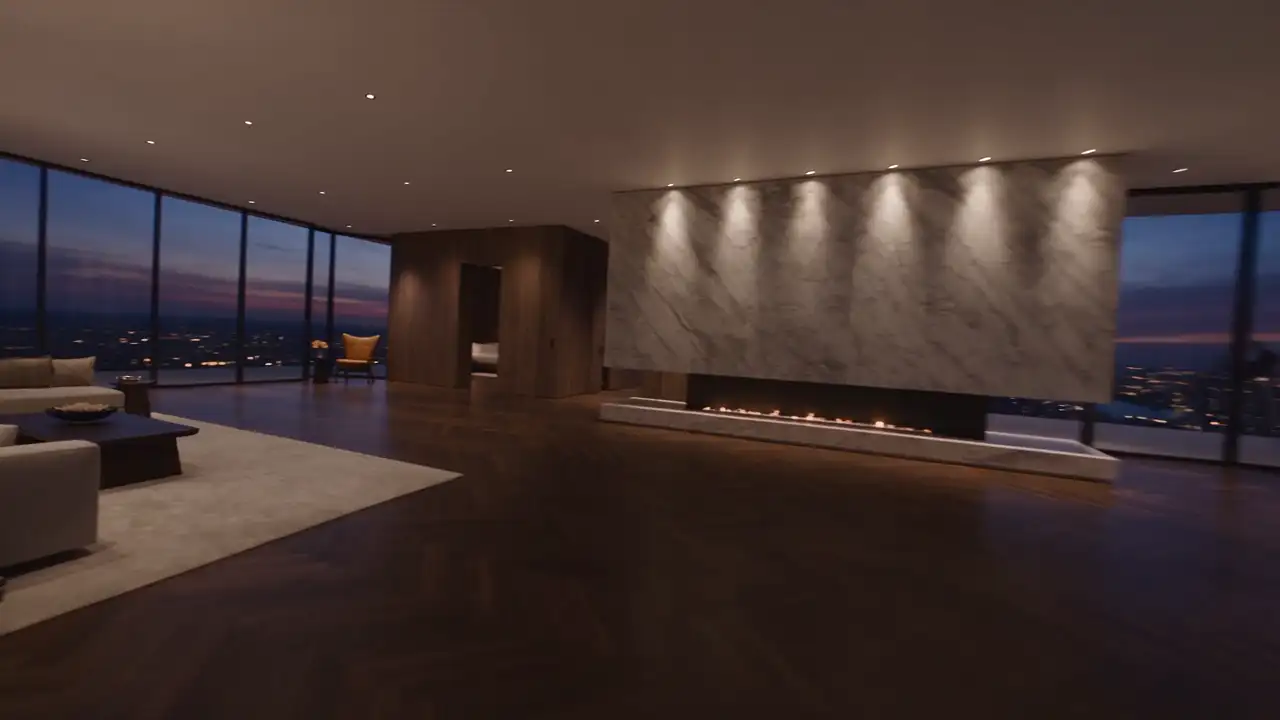
A development website should do more than make an architectural proposal desirable. It should help prospective buyers understand a location, compare homes and recognise which information is confirmed. The challenge is giving the development a strong identity while maintaining accuracy as the project changes.
A sound structure connects three levels: the overall proposition, individual homes and the next commercial conversation. Before choosing animation or a gallery, establish which data is available, who owns it and how it will be updated. An attractive website that leaves project status ambiguous can complicate the first enquiry instead of preparing it.
Define the website’s role in the sales process
Start by identifying the stage at which the site operates. Does it introduce a proposal still being prepared, a development currently being marketed or available homes in a completed residence? Each situation requires different information and a different invitation to act.
Visitors may arrive with several intentions: discovering an address, comparing layouts, exploring an investment or considering a main home. The site does not need to give every argument equal weight. It should identify uses genuinely relevant to the development and make those easy to understand.
Decide how the website relates to the developer’s main site. A dedicated address can give the development its own identity, but the organisation behind it must remain recognisable. Prospects should not have to search elsewhere to discover who is presenting the project or receiving their enquiry.
Determine what should be available immediately and what belongs in a conversation. Hiding every detail behind a brochure request can prevent visitors from deciding whether the development interests them. Provide enough accessible information to understand the setting and types of home before asking for contact details.
Build an identity connected with the actual place
The name, photography and writing should express something concrete. A development may stand out through its location, relationship with a landscape, scale or documented architectural intention. Generic adjectives about prestige are no substitute for those characteristics and the reasons they may matter to a buyer.
Present the address and surroundings without turning every nearby facility into a promise. Check the source, measurement method and relevance of distances or travel times before publishing them. A map should orient visitors rather than conceal an imprecise location beneath a flattering illustration.
Explain how the setting may be used through real project information. Terraces, shared spaces and access arrangements can be described when they belong to the development. Distinguish planned features, completed elements and atmospheric additions included only within an illustrative representation of the scheme.
The visual tone can remain related to the developer’s brand while giving the project its own personality. It need not copy the corporate site. Retain common points of identification, however: the company’s name, readable contact information and an understandable explanation of who is behind the proposal.
Organise the journey from development to individual homes
The home page can begin with an overall view, a precise heading and direct access to the homes. Visitors can then explore context, architecture and useful characteristics. Avoid an introduction so long that it pushes the information buyers seek far beyond their initial route through the page.
A section about the residence can explain the overall arrangement: buildings, access, shared areas and relationship with the site, according to available data. A simplified site plan may be more useful than successive visualisations that do not allow readers to locate individual homes.
The inventory should support understandable comparison. Display useful, approved criteria without adding numerous filters to a small selection. If only a few units are involved, clear cards may work better than a complicated search tool designed for a much larger catalogue.
Provide a natural route back from an individual home to the development. Visitors should be able to inspect a page, resume comparison and recover the context. A link shared directly to a unit must contain enough information to remain understandable without first visiting the home page.
Prepare home pages that can genuinely be compared
Define a common structure: identifier, publishable characteristics, floor plan, relevant visuals and an enquiry option. The same fields must carry the same meaning everywhere. Comparison becomes confusing when floor area or outside space is described differently from one home to another.
Plans should be readable on phones and accompanied by useful explanation. A tiny drawing placed inside a large decorative layout does not help someone assess the arrangement. Offer appropriate viewing and a document to consult when an approved version is available for that purpose.
Avoid illustrating several homes with one image that implies an exact match where none exists. An atmospheric visualisation may be useful, but it must be identified. Readers should distinguish the representation of their selected unit from material expressing the broader character of the development.
A fictional example might involve two apartments of the same type with different relationships to outdoor space. Their comparison should reveal that distinction instead of assigning identical descriptions. Content becomes more valuable when it helps a prospect ask a specific question in the subsequent conversation.
Distinguish confirmed data from project representations
Developments evolve. Images, plans, availability and commercial information need clear status. Identify the reference documents and the person authorised to approve publication. Website updates should not rely on an informal interpretation of a disconnected email or an image received without sufficient context.
Design visualisations need to be distinguished from photography of completed work. Information needed for understanding should be visible and appropriate to the material, rather than hidden within unreadable wording. Have applicable notices reviewed by the competent people involved in the project before publication.
When information changes, examine every place it appears. The individual page, brochure, home-page summary and form may retain different versions. A list of sources and placements helps prevent these contradictions. The objective is for the sales team and website to describe the same development at the same moment.
Do not replace unknown availability with an appearance of scarcity. A status should reflect information that is genuinely maintained. If confirmation requires a conversation, say so. Manufactured urgency does not help someone understand which home they can actually enquire about or what happens next.
Use immersion to explain a spatial relationship
A visual sequence can show the approach to the site, a building’s arrangement or the transition into a home. Its value lies in what becomes clearer. A spectacular fly-through that does not locate entrances or units does not replace a comprehensible plan.
Prepare a concise narrative with coherent views. Buildings, openings and landscape elements should remain consistent when they represent the same project. Appealing visual production that conflicts with approved documents creates uncertainty the website should resolve, rather than reinforce through more elaborate presentation.
Preserve freedom to browse. Direct access to homes and facts should remain available. Returning visitors comparing one page should not have to repeat the entire introduction. Motion can accompany discovery without becoming a condition for using the website or reaching a practical detail.
On phones, prioritise the legibility of what matters: home type, plan and enquiry. A simpler visual version may preserve the presentation’s value. The experience should remain complete with reduced animation or when a connection cannot immediately load every media file associated with the development.
Design an enquiry that prepares a useful exchange
Adapt the enquiry to the current page. From an individual home, include its identifier so the team knows what the visitor is discussing. From the main page, a general question about the type of home sought can guide conversation without requiring a premature choice.
Ask for information actually needed in the first exchange. Someone may still be exploring a purchase; requiring too much detail before responding can make the journey disproportionate. Explain what follows submission and avoid response-time promises the organisation is not equipped to maintain consistently.
If offering a brochure, check its consistency with the website and ease of reading. An outdated document may contradict correctly updated pages. Identify its owner, version and the circumstances requiring a new edition, so the downloadable material does not become a separate, neglected source of information.
Define follow-up before launch. Who receives requests? What happens during an absence? How are the selected unit and visitor’s language passed on? A form does not create an organised sales relationship by itself; that requires responsibilities, usable information and a process the team can actually follow.
Plan the website’s life after launch
A development can change phase, availability and visual material. Prepare routine updates during design: change a status, replace a plan, add photography or correct a brochure. These tasks should be possible with suitable review, rather than requiring a complete rebuild for each ordinary revision.
Consider the end of the sales period as well. The website may retain a development presentation, redirect enquiries or become part of the developer’s completed portfolio, depending on the situation. Plan this transition to avoid a page that continues requesting enquiries for an offer that no longer applies.
Assemble an approved development brief, a home inventory and available media to start the project. MV Design can help turn those elements into a journey connecting visual identity, precise information and an appropriate enquiry, so presentation supports understanding rather than replacing it.