Rooftop restaurants: how can you present the setting, views and atmosphere?
A spectacular view attracts attention, but does not explain a rooftop experience on its own. Your website should connect the panorama with tables, cooking and the different moments the venue offers. Discover how to build an immersive presentation that remains accurate and helps visitors make informed choices about their visit.
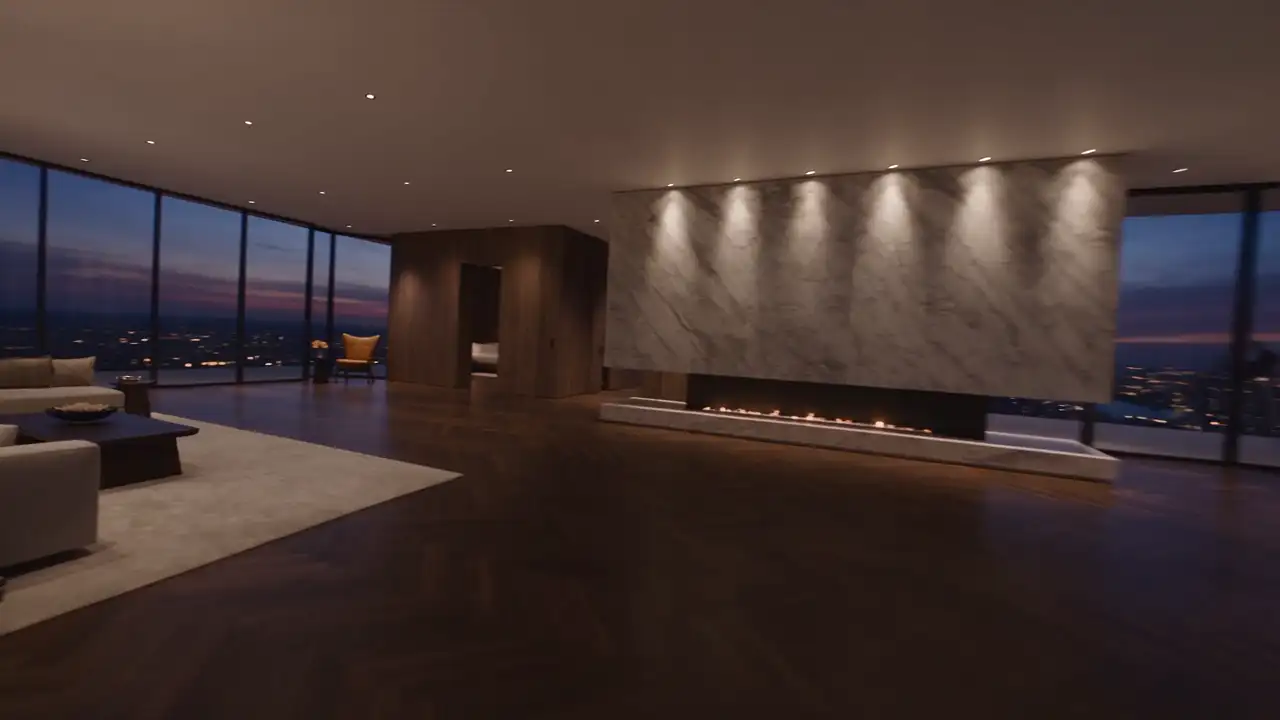
A rooftop may win attention through its panorama while leaving a visitor uncertain. Is this somewhere to dine, have a drink, celebrate an event or discover a terrace? The view cannot answer those questions alone. Your website should explain how it belongs to a concrete experience involving food, spaces and hospitality.
The presentation benefits from connecting spectacle to reality. An immersive sequence can establish the location, but should also clarify where people sit, what is offered and how to prepare a visit. That continuity gives the design a purpose beyond showing a succession of striking images of a place.
Decide what the panorama needs to communicate
Start by considering the establishment from a guest’s position. The most impressive filming angle is not necessarily the view someone discovers at their table. An image captured from an inaccessible area may locate the building, but should not be confused with the outlook offered through every reservation at the restaurant.
Choose a readable relationship between the venue and its surroundings. The city might form a backdrop, a landscape might accompany a quiet meal or a terrace might extend the dining room. Describe that relationship using the real setting instead of multiplying interchangeable statements about an experience “above it all”.
The opening screen should also identify the proposition. A name, relevant location and a few words about the establishment prevent the panorama becoming anonymous scenery. Visitors should understand that they are discovering your restaurant, rather than a tourist destination or events space whose main activity remains unclear throughout the introduction.
Distinguish uses before selecting effects
List the experiences genuinely available: lunch, dinner, bar visits, groups or private hire, according to your operation. They may share a visual identity without requiring identical information or journeys. An event enquiry does not need to be treated as though it were an ordinary request for a table.
| Visitor intention | Priority information | Appropriate next step |
|---|---|---|
| Arrange a meal | Cooking, spaces and available services | Book or request a table |
| Discover the bar | Actual offer and visiting arrangements | Check practical visiting information |
| Prepare a group visit | Configuration and confirmed possibilities | Explain requirements to the team |
| Organise an event | Relevant spaces and available scope | Request a specific conversation |
This distinction avoids a broad promise implying everything is possible at every moment. Use clear entries within one page or dedicated pages where the content warrants them. What matters is that people recognise the information applying to their own visit and understand which possibilities still require checking with the team.
Show different moments without inventing a permanent atmosphere
The same venue can have several characters. Light, table settings and activity may change between services. If that variation is part of your identity, present it explicitly. A gallery organised by moment is more helpful than an unexplained mixture of daytime, night-time and private-event photographs presented as one continuous experience.
Caption images when context changes their meaning. A private-party photograph does not necessarily describe a normal dinner. Temporary decorations should not suggest permanent installations. These clarifications are compatible with an elegant presentation: they protect the relationship between what someone expects and what they actually encounter during their visit.
Consider a fictional rooftop serving quiet meals at one time and providing music on specific occasions. Two clearly named entries could explain those experiences. A video combining everything without context might suggest that each is continuously available, regardless of the service or reservation a visitor happens to select.
For events and programme changes, provide information the team can maintain. A background animation should not be the sole carrier of an announcement nobody can readily update. Practical content and atmosphere should stay connected while having identifiable editorial responsibilities, so an attractive presentation does not become an outdated promise.
Build movement that leads from the view to the table
An immersive journey can follow a simple progression: discover the panorama, locate the terrace, enter the dining space and examine a detail of food or hospitality. Each stage answers a different question. The point is to transform a general impression into an understanding of the venue, rather than merely joining attractive shots.
Begin by drawing a few framings in a storyboard. This document describes successive views and what each contributes. Check that they correspond to real positions and spatial relationships. An artificial transition between distant areas may suggest a proximity that does not exist and confuse the visitor’s understanding of the establishment.
Scrolling can control the discovery when the media and implementation support it. Request a demonstration with your actual files before approving the whole concept. Reversing, moving quickly and using a phone should preserve understandable movement without preventing access to the rest of the page and the information it contains.
If the sequence demands too much attention for little extra understanding, simplify it. A short progression followed by accessible images may serve the restaurant better than an obligatory long journey. Interested visitors should reach the menu, practical details or booking without replaying the entire presentation every time they return.
Give food and hospitality equal standing with the view
The panorama attracts attention, but the meal should have a presence of its own. Show representative dishes, explain the culinary proposition and provide menu information. Visitors need to decide whether the offer suits them even if they already know the view or are primarily choosing a restaurant for a particular occasion.
Photograph the human scale too: a prepared table, movement between areas or an attentive service gesture. Such images allow people to imagine themselves there in a different way from an aerial view. They give comfort and hospitality concrete meaning without depending on broad promises that are difficult to evaluate.
Avoid removing every reference point to achieve a perfectly empty photograph. A restrained composition can remain faithful to the restaurant, but should not hide significant characteristics of the dining area or tables. Choose an honest representation of the atmosphere your team actually provides for people visiting the establishment.
Explain spaces and the limits of the reservation
A terrace may have several areas, and not every table necessarily offers the same outlook. If that difference affects the choice, explain confirmed configurations through accurate images and words. One panoramic photograph should not imply an identical view from every place available to book at the restaurant.
Match the website’s vocabulary to the booking process. A seating preference is not automatically a guaranteed table. If the team must confirm a particular request, explain that at the appropriate moment. Visitors should not discover the distinction only after arranging their entire occasion around an assumption the website encouraged.
Present the arrangements actually provided when conditions alter how spaces can be used. If people must contact the team to check whether a visit is possible, indicate that step. Do not invent a fallback room or a guaranteed configuration to support reassuring copy the venue cannot consistently fulfil.
Groups often need a different understanding of the space. A dedicated page can explain available arrangements and the details useful for an initial conversation. Show configurations genuinely possible, without allowing an inspiration montage to masquerade as a photograph of an event the establishment has already organised for a client.
Make arrival as understandable as the panorama
A rooftop may need more precise access information than an address alone. Identify the entrance, useful reference points and arrangements confirmed by your team. Instructions should guide a first visit without assuming someone already knows the building or understands the different spaces and businesses that may share it.
Check access information with the appropriate people responsible for the venue. If someone has a particular requirement, provide the right contact to prepare their visit. A terrace photograph alone cannot establish the characteristics of the route or justify promising an individual solution without understanding what the person actually needs.
On a phone, make these details easy to retrieve. A guest on the way does not need to repeat a cinematic sequence to identify the correct entrance. Immersive discovery and practical consultation should coexist, respecting the different intentions behind exploring a new place and arriving for an imminent reservation.
Prepare media according to its actual purpose
List the shots required before filming. Include views linking the panorama to the terrace and then to dining spaces, together with meaningful details. This avoids depending on one spectacular recording that must later be stretched across every section, regardless of whether it supports the information being presented there.
Request still images for places where movement adds little. These may accompany menus, practical details or the explanation of an area. This does not weaken the concept: it assigns each medium a clear task within the overall experience and prevents every part of the site competing for the same attention.
During review, use the final edit and actual text. Observe whether transitions remain fluid and information is available when required. A prototype using provisional media cannot establish the quality of the eventual discovery journey, because the relationship between real imagery, movement and explanation is central to this particular presentation.
Validate the promise before launch
Test the website with several intentions: choosing a dinner, preparing a bar visit where that offer exists or enquiring about an event. Ask what people imagine about the place and what they believe they have booked. Their understanding should correspond to the restaurant’s real possibilities and the process it actually follows.
The goal is a presentation that creates interest while supporting an appropriate choice. To explore your rooftop with MV Design, bring representative views, actual configurations and questions your team receives. We can connect panorama, cooking and the visiting journey into an experience that communicates the venue clearly and consistently.